InfoLens Voice
Talk to an AI that listens, remembers and sees
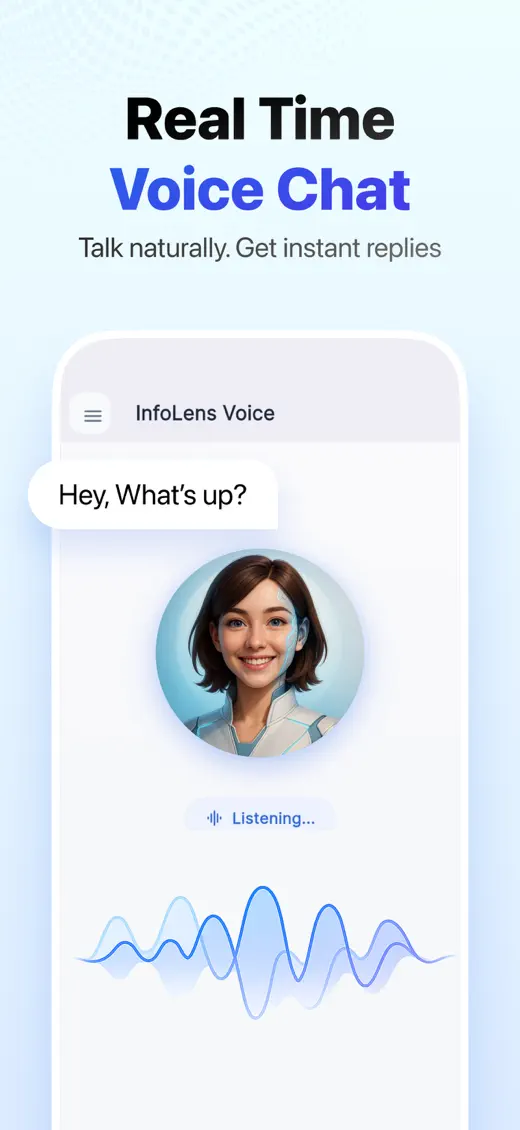
InfoLens Voice is a real-time AI voice assistant you can talk to like a person. It remembers your conversations, looks through your camera when you ask, and speaks more than 100 languages.
★ 5.0 on Google Play from 648 reviews · 10K+ downloads · Free to download
What people use it for
Speak naturally, in your own words. These are some of the most popular ways to use InfoLens Voice.
English
Practice speaking English with AI
Build speaking confidence with natural conversation practice at your own pace.
Languages
AI conversation practice
Practice Spanish, French, Japanese or another language by talking, not typing.
Travel
Live voice translator
Say it in one language and hear it in another, in real time.
Company
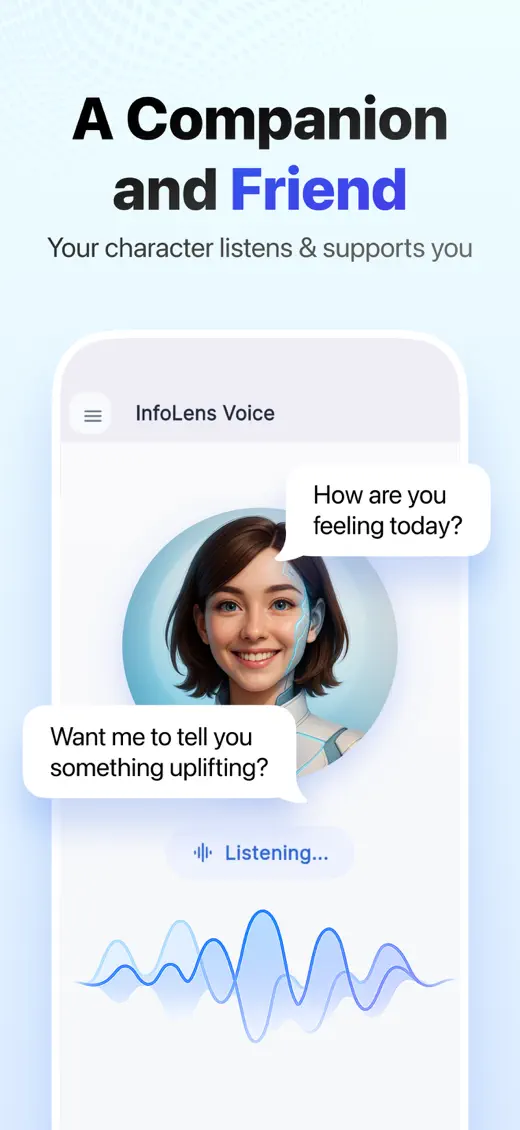
An AI friend to talk to
A friendly voice to chat with about your day, your ideas or your plans.
See it in action

How it works
- Tap and talk. Speak naturally in your own words. There are no special commands to learn.
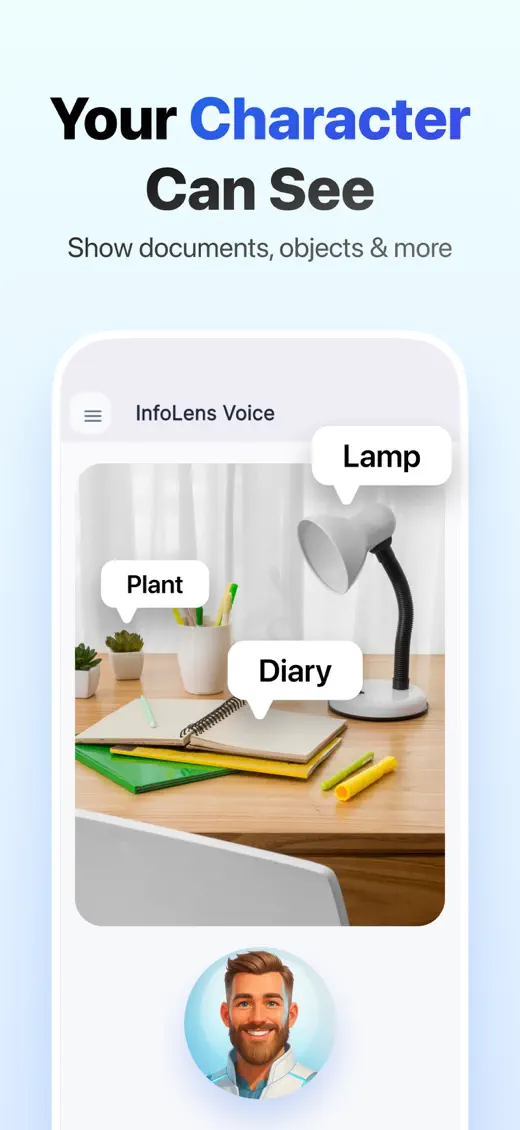
- Show it what you mean. Use Show Me or Live View to share what your camera sees.
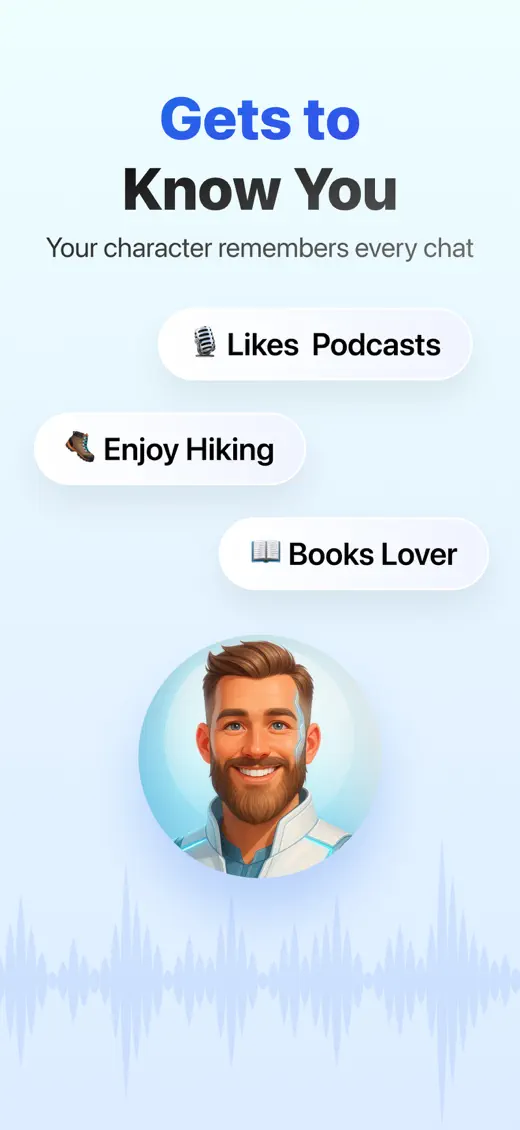
- Pick up where you left off. Memory keeps your topics and preferences, so you never have to repeat yourself.
What makes it different
- Real-time voice chat that copes with interruptions
- Long-term memory you can review or clear in Settings
- Show Me and Live View camera help
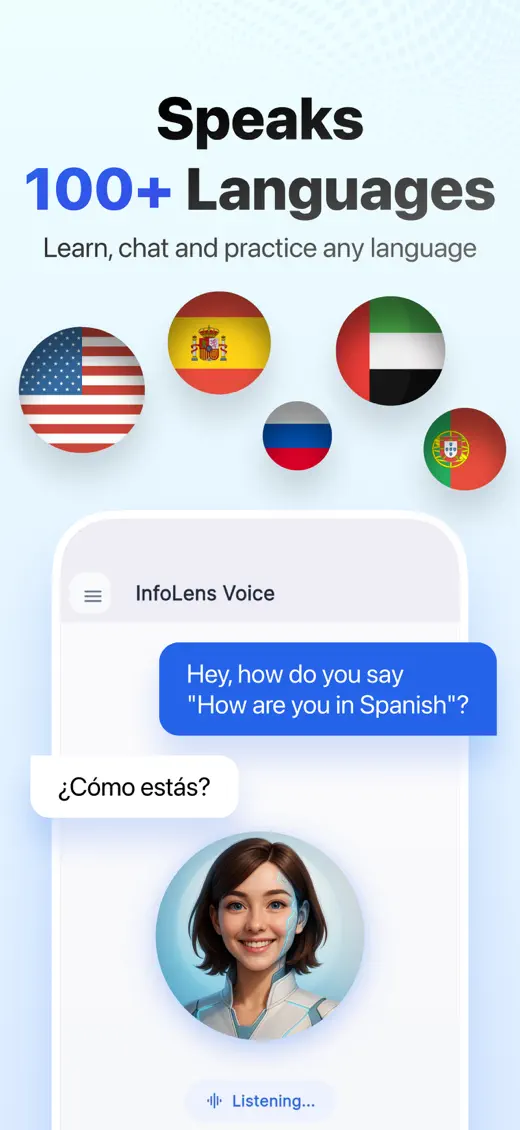
- More than 100 languages for practice and translation
- Switch between voice and text at any time
- Hands-free help while your hands are busy
Common questions
Is InfoLens Voice free?
Yes. InfoLens Voice is free to download on iPhone and Android, and in-app purchases are available.
Does it remember what I said?
Yes, if you want it to. Memory keeps track of your topics, preferences and goals across conversations, and you can review or clear it at any time in Settings.
Which languages does it speak?
More than 100 languages. You can practice a language, ask for a translation or switch languages during a conversation.
Can it see through my camera?
Yes. Use Show Me to share a photo, or Live View for real-time help with what your camera sees, such as finding a label, a button or a setting.
Can I delete my account and data?
Yes. Use Account & Data Deletion in the app menu, or follow the steps on our data deletion page.
Is it a replacement for professional support?
No. InfoLens Voice can be a friendly listener, but it is not a therapist or a crisis service. If you are struggling, please contact a local helpline or a healthcare professional.
More from InfoLens

Photos and screenshots
Image Identifier
Take a photo of anything and ask about it. Identify objects and plants, translate signs and read documents.

Medical reports
InfoLens Med
Upload a blood test or medical report and get each result explained in everyday words.
Say hello to InfoLens Voice
Free to download on iPhone and Android.