InfoLens Med
Understand your medical report in plain language
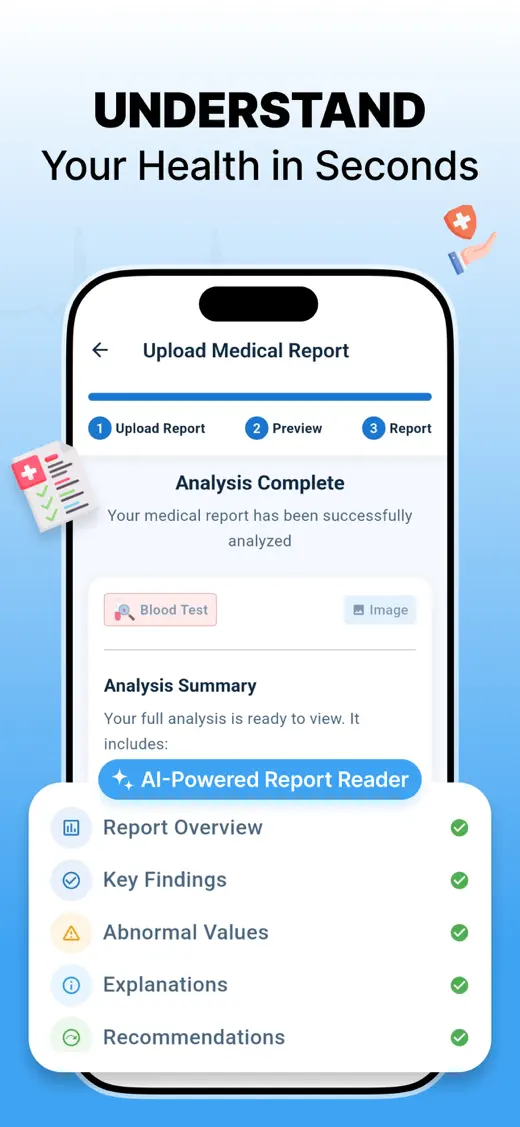
Upload a blood test, lab result or medical report and InfoLens Med explains each part in everyday words, so you can go into your next appointment with better questions.
Free to download · Available on iPhone from the App Store
Reports it can explain
InfoLens Med reads lab results, blood tests, imaging summaries and other medical reports, as PDFs or photos.
Blood tests
Blood test results explained
Upload your blood test and see what each section and abbreviation means.
Cholesterol
Cholesterol results explained
See what LDL, HDL, triglycerides and total cholesterol refer to on your report.
Blood count
Full blood count explained
Understand the red cell, white cell and platelet sections of a full blood count (CBC).
Thyroid
Thyroid test results explained
Find out what TSH, T4 and T3 mean on a thyroid function report.
See it in action
How it works
- Upload your report. Take a photo, or choose a PDF or image of a lab result, blood test or imaging summary.
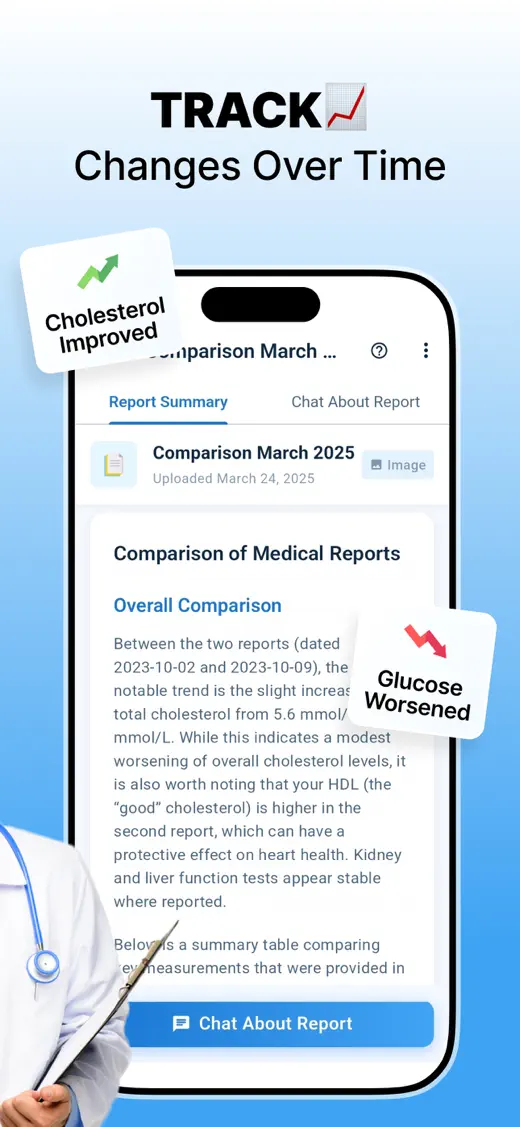
- Read the plain-language summary. See the key sections, common terms explained, and values that fall outside the reference ranges printed on your report.
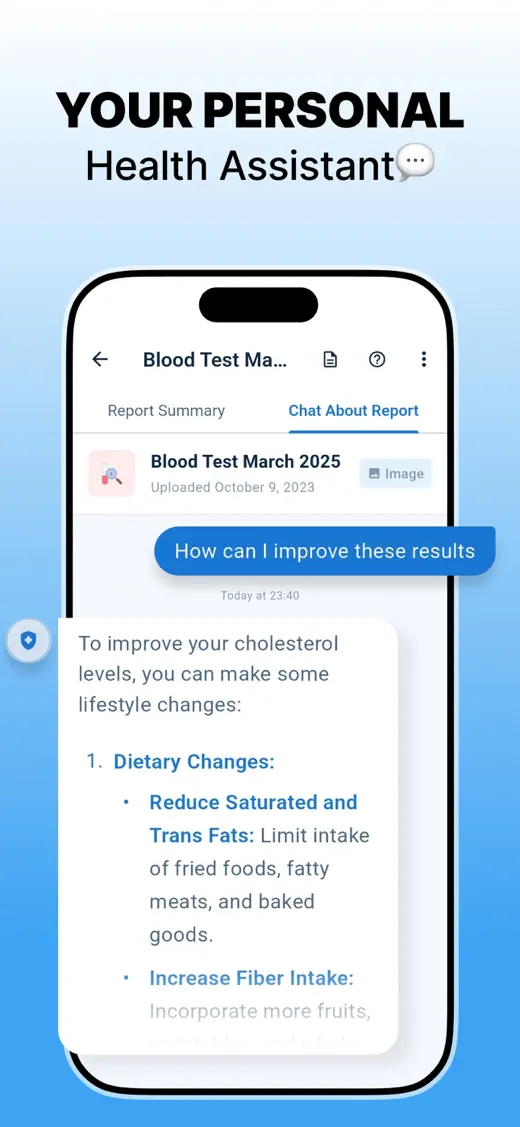
- Ask follow-up questions. Chat about the report, then take your questions to your doctor.
What InfoLens Med helps with
- Abbreviations such as HbA1c, LDL, ALT, eGFR, CRP and ferritin
- Values outside the reference ranges shown on your report
- Blood tests, lab results and imaging summaries
- PDFs and photos of paper reports
- Comparing reports to see what has changed
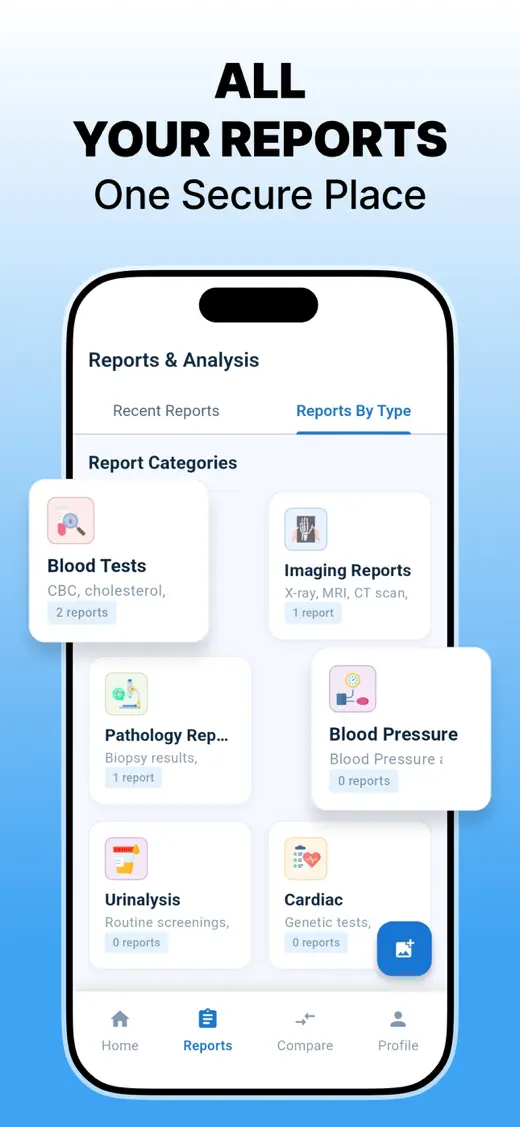
- Keeping your reports together in one place
Explains, never diagnoses
InfoLens Med is an educational tool. It helps you understand what your report says so you can have a better conversation with your doctor.
InfoLens Med does not diagnose conditions, recommend treatment or replace a healthcare professional. If you feel unwell or are worried about a result, contact your doctor. In an emergency, call your local emergency number. Read our medical disclaimer.
Common questions
Is InfoLens Med free?
Yes. InfoLens Med is free to download from the App Store.
Is it available on Android?
Not yet. InfoLens Med is currently available on iPhone.
What kinds of reports can I upload?
Blood tests and other lab results, imaging summaries and other medical reports, as a PDF or a photo.
Does InfoLens Med diagnose conditions?
No. It explains your report in general, educational terms. Only a qualified healthcare professional can diagnose a condition or recommend treatment.
My report uses different units. Does that matter?
Labs in different countries use different units, such as mg/dL in the United States and mmol/L in the UK and many other countries. InfoLens Med works from the values and reference ranges printed on your own report.
What happens to my reports?
Reports you upload are processed to explain them, and you can keep them in the app to compare later. Our privacy policy explains what is stored and how to ask for deletion.
More from InfoLens

Photos and screenshots
Image Identifier
Take a photo of anything and ask about it. Identify objects and plants, translate signs and read documents.

Voice
InfoLens Voice
Talk to an AI that remembers your conversations, sees through your camera and speaks 100+ languages.
Bring your next report
Free to download on iPhone.