InfoLens Voice
Practice speaking English with AI
The fastest way to speak better English is to speak it. InfoLens Voice gives you a patient conversation partner you can talk to any time, at your own pace.
★ 5.0 on Google Play from 648 reviews · 10K+ downloads · Free to download
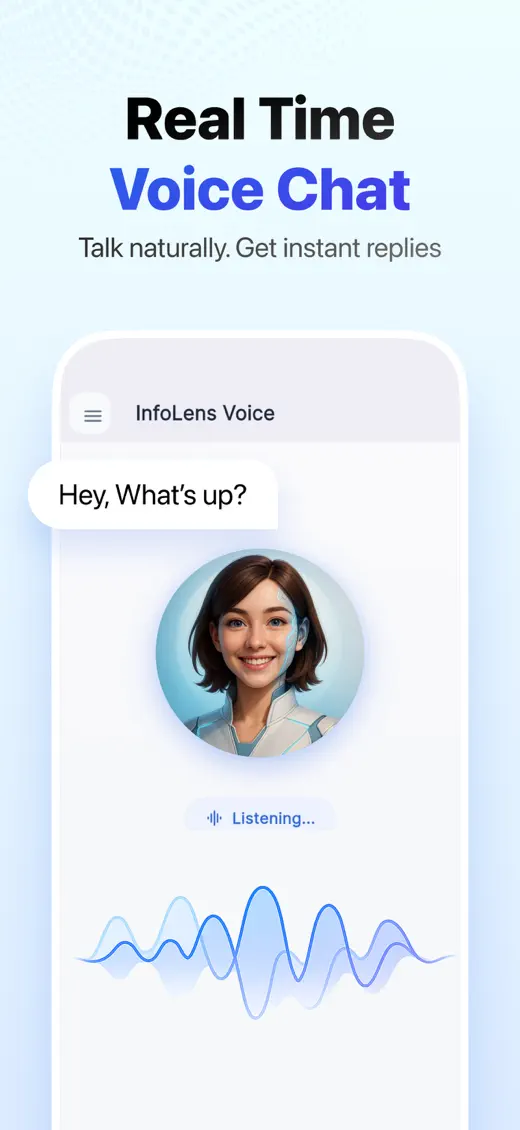
How to practice English with InfoLens Voice
- Start a voice chat and say what you want to practice, such as job interviews, small talk or travel.
- Talk naturally. Pause, interrupt or start again whenever you like.
- Ask for help: “How can I say that more naturally?” or “Correct my last sentence.”
- Come back tomorrow. Memory keeps your goals, so you can pick up where you left off.
Questions to try
- Let’s practice a job interview in English
- Correct my grammar as we talk
- Please speak more slowly
- What is a more natural way to say that?
- Let’s chat about my weekend
Good to know
- InfoLens Voice is a conversation partner, not a certified course or exam preparation service.
- Speak in a quiet place for the best speech recognition.
- Switch to text whenever you want to see a word written down.
Common questions
Is it good for beginners?
Yes. Ask it to speak slowly, use simple words or explain anything you don’t understand.
Can it correct my mistakes?
Yes. Ask it to correct your grammar or suggest more natural phrasing as you talk.
Can I practice other languages too?
Yes. InfoLens Voice speaks more than 100 languages. See AI conversation practice.
Is InfoLens Voice free?
Yes. It is free to download on iPhone and Android, and in-app purchases are available.
More ways to use InfoLens Voice
Languages
AI conversation practice
Practice Spanish, French, Japanese or another language by talking, not typing.
Company
An AI friend to talk to
A friendly voice to chat with about your day, your ideas or your plans.
Start speaking today
Free to download on iPhone and Android.