InfoLens Voice
AI conversation practice in any language
Learning Spanish, French, Japanese or another language? InfoLens Voice lets you practice real spoken conversation in more than 100 languages, whenever you have a few minutes.
★ 5.0 on Google Play from 648 reviews · 10K+ downloads · Free to download
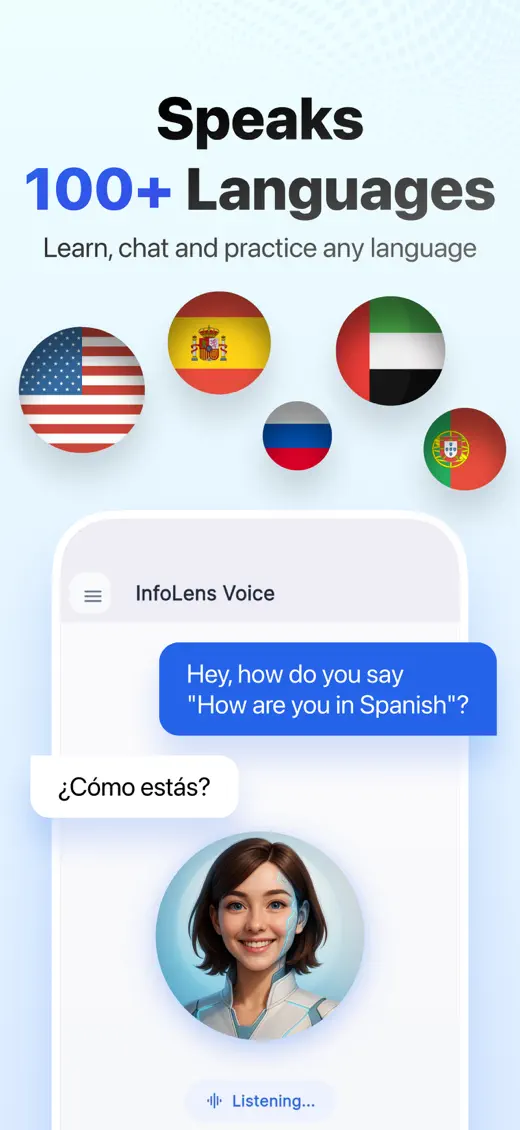
How to practice a language by talking
- Tell InfoLens Voice which language you are learning and your level.
- Pick a situation: ordering food, checking in at a hotel or chatting with a new friend.
- Reply out loud. Ask for a translation or a hint whenever you get stuck.
- Ask how to pronounce a word or phrase, then try again.
Questions to try
- Let’s practice ordering at a restaurant in Spanish
- How do you say “How are you?” in Japanese?
- Speak only French and correct me gently
- Give me five useful phrases for my trip to Italy
- Help me with my pronunciation
Good to know
- InfoLens Voice is a conversation partner, not a certified course or exam preparation service.
- Speak in a quiet place for the best speech recognition.
- Switch to text whenever you want to see a word written down.
Common questions
Which languages can I practice?
More than 100 languages, from Spanish and French to Arabic and Japanese.
Can I switch between English and the language I’m learning?
Yes. Switch languages whenever you need an explanation, then switch back.
Does it remember my level?
Yes. Memory keeps track of your goals and preferences between sessions, and you can clear it in Settings.
Is InfoLens Voice free?
Yes. It is free to download on iPhone and Android, and in-app purchases are available.
More ways to use InfoLens Voice
English
Practice speaking English with AI
Build speaking confidence with natural conversation practice at your own pace.
Company
An AI friend to talk to
A friendly voice to chat with about your day, your ideas or your plans.
Your next conversation starts now
Free to download on iPhone and Android.