InfoLens Med
Cholesterol results explained
A cholesterol test, also called a lipid panel or lipid profile, usually reports total cholesterol, LDL, HDL and triglycerides. Upload yours to InfoLens Med to see what each line means in plain language.
Free to download · Available on iPhone from the App Store
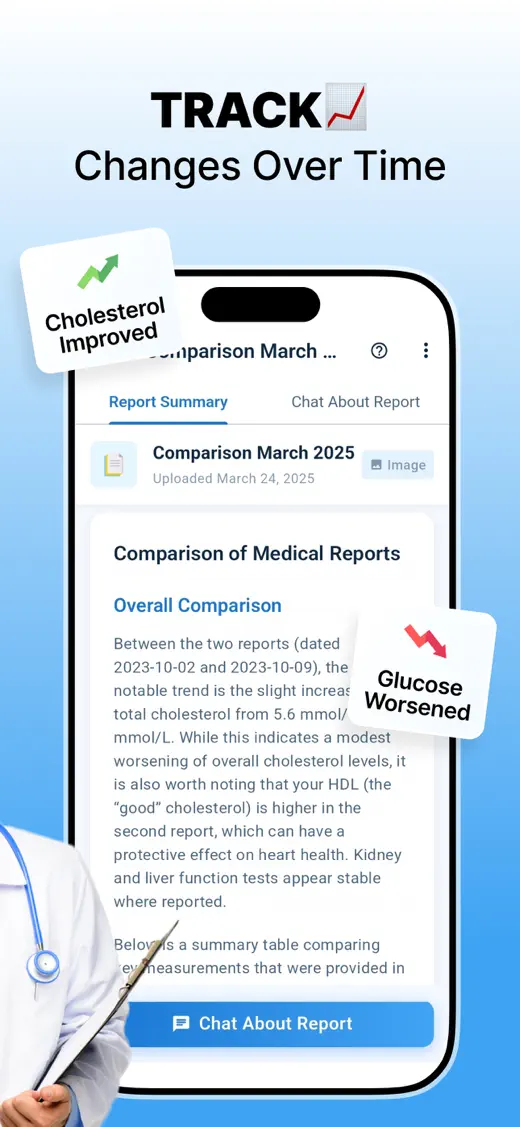
How InfoLens Med explains your cholesterol test
- Upload a photo or PDF of your cholesterol or lipid panel report.
- See each value explained, with the unit and reference range from your report.
- Compare it with an earlier report to see what has changed.
- Write down questions for your doctor or nurse.
Questions to try
- What is the difference between LDL and HDL?
- Which of my cholesterol results are outside the range on my report?
- What is non-HDL cholesterol?
- How have my results changed since last year?
- What questions should I ask my doctor?
What’s on a cholesterol report
- Total cholesterol: the overall amount of cholesterol in your blood.
- LDL cholesterol: often called “bad” cholesterol, because high levels can build up in the walls of your arteries.
- HDL cholesterol: often called “good” cholesterol, because it helps carry cholesterol to the liver to be removed.
- Triglycerides: a type of fat in your blood.
- Some reports also show non-HDL cholesterol or a total cholesterol to HDL ratio.
Units differ by country. Results are usually given in mg/dL in the United States and in mmol/L in the UK, Canada, Australia and many other countries, so the numbers can look very different for the same result.
Sources: Cholesterol levels (MedlinePlus, US National Library of Medicine) and Cholesterol levels (NHS, UK).
Good to know
- InfoLens Med works from the values and reference ranges printed on your report. Ranges vary between labs.
- A clear, flat photo or the original PDF gives the most accurate reading.
- AI explanations can be incomplete or wrong. Check anything important with your doctor.
InfoLens Med explains your report for general education. It does not diagnose conditions or recommend treatment. Talk to your doctor about your results, and in an emergency call your local emergency number. Read our medical disclaimer.
Common questions
Why are my numbers so different from ones I see online?
You may be comparing different units. Results in mg/dL, common in the United States, are much larger numbers than the same results in mmol/L, used in the UK and many other countries.
Can InfoLens Med tell me if I need medication?
No. Only your doctor can decide on treatment. InfoLens Med explains what your report says so you can have a better conversation.
Can I compare two reports?
Yes. InfoLens Med can compare reports so you can see what has changed over time.
More ways to use InfoLens Med
Blood tests
Blood test results explained
Upload your blood test and see what each section and abbreviation means.
Blood count
Full blood count explained
Understand the red cell, white cell and platelet sections of a full blood count (CBC).
Thyroid
Thyroid test results explained
Find out what TSH, T4 and T3 mean on a thyroid function report.
Make sense of your cholesterol numbers
Free to download on iPhone.